How I built Mosquito Bed Sniper with React and HTML5 Canvas
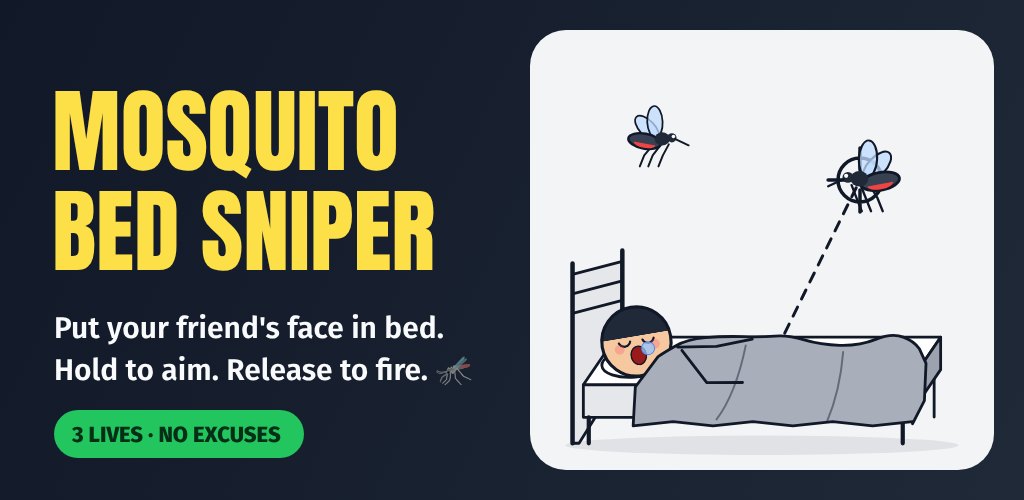
Mosquito Bed Sniper is a small arcade game: you put a friend's face on a sleeping cartoon character and shoot mosquitoes off them. It runs in the browser and as an Android app. This is how it is put together, in case you want to build something similar.
The split: React for menus, Canvas for the game
React is good at buttons, forms and pop-ups, and bad at drawing 60 frames a second. So the game is split in two. React renders everything around the game: the photo upload screen, the score and lives at the top, the pause menu, the game-over card and the share pop-up. Everything that moves (the bed, the face, the mosquitoes, the shot, the splats) is drawn on a single HTML5 <canvas> by a plain JavaScript class.
The two only talk through a few callbacks: the engine tells React when the score or lives change and when the game is over, and React tells the engine to start, pause or resume. React never re-renders during play, which keeps the game smooth on cheap phones.
The game loop
The engine runs on requestAnimationFrame. Each frame it measures how much time has passed, caps it so a slow frame cannot make objects teleport, updates everything, then redraws the whole scene. Using real elapsed time rather than "one step per frame" means the game runs at the same speed on a 60 Hz and a 120 Hz screen.
The canvas is drawn at the device's pixel ratio. A phone with a 3× screen gets a canvas three times wider in real pixels than it looks, then the drawing is scaled down. Without this, lines and text look blurry on modern phones.
Aiming and hitting
When you press, the game measures the angle from the sleeper to your finger and limits it so you can only shoot upwards. Holding low near the bed switches to an automatic sweep instead. When you let go, the shot is a ray: a straight line from the sleeper across the screen.
Hit detection is basic geometry. For each mosquito, the engine projects the mosquito's position onto the ray. If it is behind the shooter it is ignored; otherwise the perpendicular distance from the mosquito to the line is compared with a hit radius. That makes the check exact and very cheap, and it means one shot can hit two mosquitoes that line up.
Mosquitoes and difficulty
Each mosquito is drawn from simple shapes: an oval body with a red belly, a small head, a needle, six legs that twitch, and two see-through wings whose height is driven by a fast sine wave so they flutter. Mosquitoes pick one of three flight patterns (a smooth wave, a bouncing diagonal or a sharp zigzag) and all of their numbers depend on the current score: speed, wave size, how jittery they are and how many can be on screen. Raising them gradually keeps the game easy to learn but hard to master.
Sound without a single audio file
Every sound is generated in the browser with the Web Audio API. The fire sound is a square wave sliding quickly down in pitch with a burst of filtered noise. The splat is filtered noise plus a low thump. The mosquito hum is a sawtooth wave whose pitch wobbles about 19 times a second through a band-pass filter, and its volume follows how many bugs are on screen. The game-over sound is a four-note sad trombone made from sawtooth notes with vibrato on the last one. No downloads, and the whole game stays small.
Keeping photos private
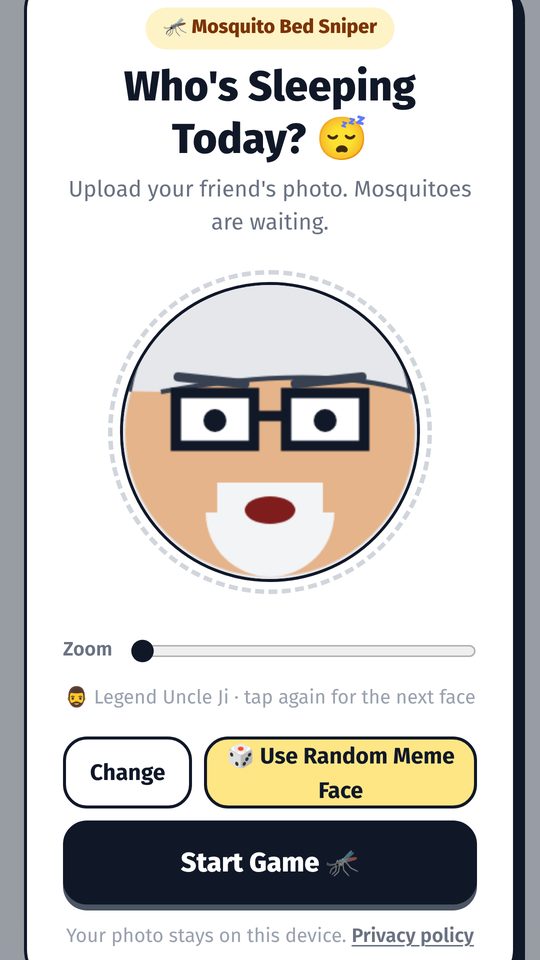
The photo feature was designed so that no photo ever leaves the device. The image is read with the browser's file reader, shown in a circular preview you can zoom and drag, then drawn into a small 256×256 canvas. That small image is what appears on the sleeper and on the game-over meme. Nothing is uploaded or stored, which is simpler, faster and better for privacy. You can read the details in the game's privacy policy.
Meme cards and sharing
The game-over screen draws a meme card on a canvas using your chosen face, a coloured background, a few props and a bold caption, so there are no image files to break. The share pop-up builds a message with your friend's name and score and opens WhatsApp, Telegram or X with it ready to send.
One codebase, web and Android
The web version is bundled into a single HTML file. The Android app loads that same file inside a WebView, and the native side only adds what the web cannot do well, such as the system photo picker and ads. That means one game to maintain, with fixes landing on both at once.